MATH 1314 Week 3 and Week 4 Unit 1 Exam
 Watch on YouTube →
Overview
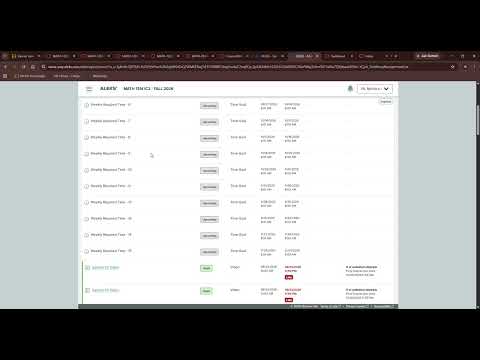
Monica Brannan outlines the end-of-Week-3 workload and the Week-4 Unit 1 exam schedule for MATH 1314: Section 3.4–3.5 and 3.6 homework are due Sunday, September 13, while the Unit 1 review and exam are due Monday, September 14, at 11:59 p.m. She explains how the Canvas exam link opens the ALEKS course and requires Respondus LockDown Browser with a webcam, urging students to install and test the setup well before the deadline.
Key takeaways
- Section 3.4–3.5 and Section 3.6 homework are due Sunday night, September 13; the Unit 1 review and exam are due Monday, September 14.
- The Unit 1 review permits multiple attempts and is intended for practice before taking the exam, not as a last-minute Monday task.
- The exam is accessed through Canvas but opens the MATH 1314 ALEKS course and requires Respondus LockDown Browser with webcam monitoring.
- Students should install Respondus and complete its launch checks early because exam verification may require showing photo ID and using a webcam.
- Chromebook compatibility may be a concern for dual-credit students, who should alert Monica Brannan if they have trouble accessing the exam.
- The course provides a TI-30XS MultiView calculator, which Brannan says will also be available during the Unit 1 test.
Chapters
0:00
Week 3 Homework, Unit 1 Review, and TI-30XS Calculator
- The built-in TI-30XS MultiView calculator is available in the course and will also appear in the Unit 1 test.
- Complete the Section 3.4–3.5 and 3.6 homework assignments by Sunday night, September 13.
- The Unit 1 review allows multiple attempts and is due Monday, September 14; Brannan advises practicing before exam day.
2:30
Unit 1 Exam Dates and ALEKS Access
- The Unit 1 exam is due Monday, September 14, at 11:59 p.m.—earlier than the other Week 4 items, which are due September 20.
- The exam link in Canvas opens the MATH 1314 ALEKS course and uses Respondus LockDown Browser with webcam monitoring.
- The exam opened September 8, and the Unit 1 review shares the September 14 deadline.
4:51
Install Respondus and Test Webcam Verification Before Monday
- Use the launch option to check whether Respondus LockDown Browser is installed; if not, download the version for Windows, Mac, or another supported device.
- After installation, return to the exam page and launch again; the setup may require a photo ID and a working webcam.
- Chromebook users—especially dual-credit students—may encounter compatibility issues and should contact Brannan.
- Test the setup over the weekend; waiting until late Monday night risks missing the 11:59 p.m. exam deadline.
Summary, takeaways, and chapters were generated by AI from the video's transcript and may contain errors. The video belongs to its creator, Monica Brannan.